Getting Started
Create container registry
Navigate to Container Registry create page
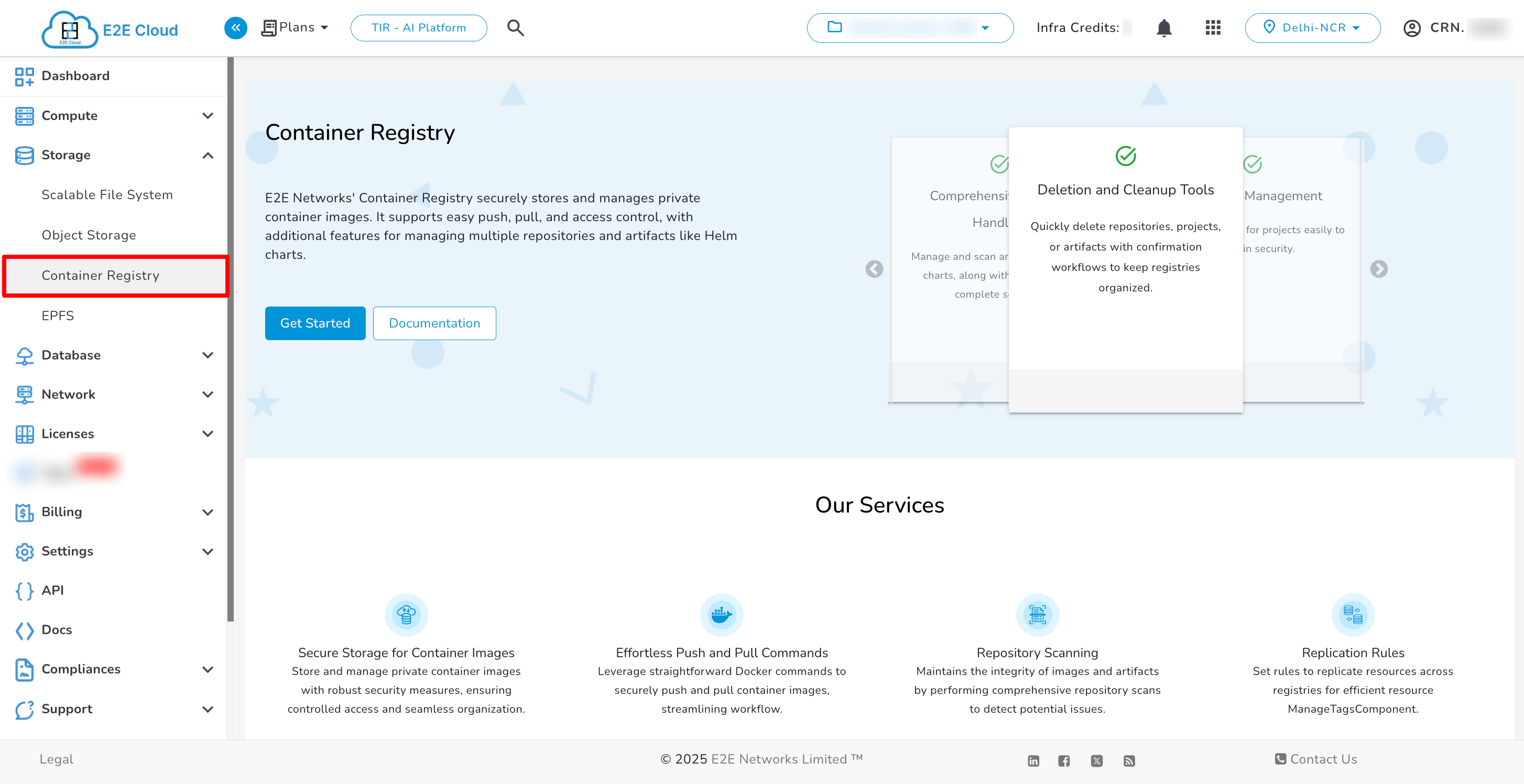
- Please go to ‘My Account’ and log in using your credentials set up at the time of creating and activating the E2E Networks ‘My Account’.
- After you log in to the E2E Networks ‘My Account’, On the left side of the MyAccount dashboard, click on the “Container Registry” sub-menu available under the Storage section.
- You will be directed to the ‘Container Registry manager’ page.
Last updated on May 15, 2026.