Migrating AWS Lambda Functions to E2E
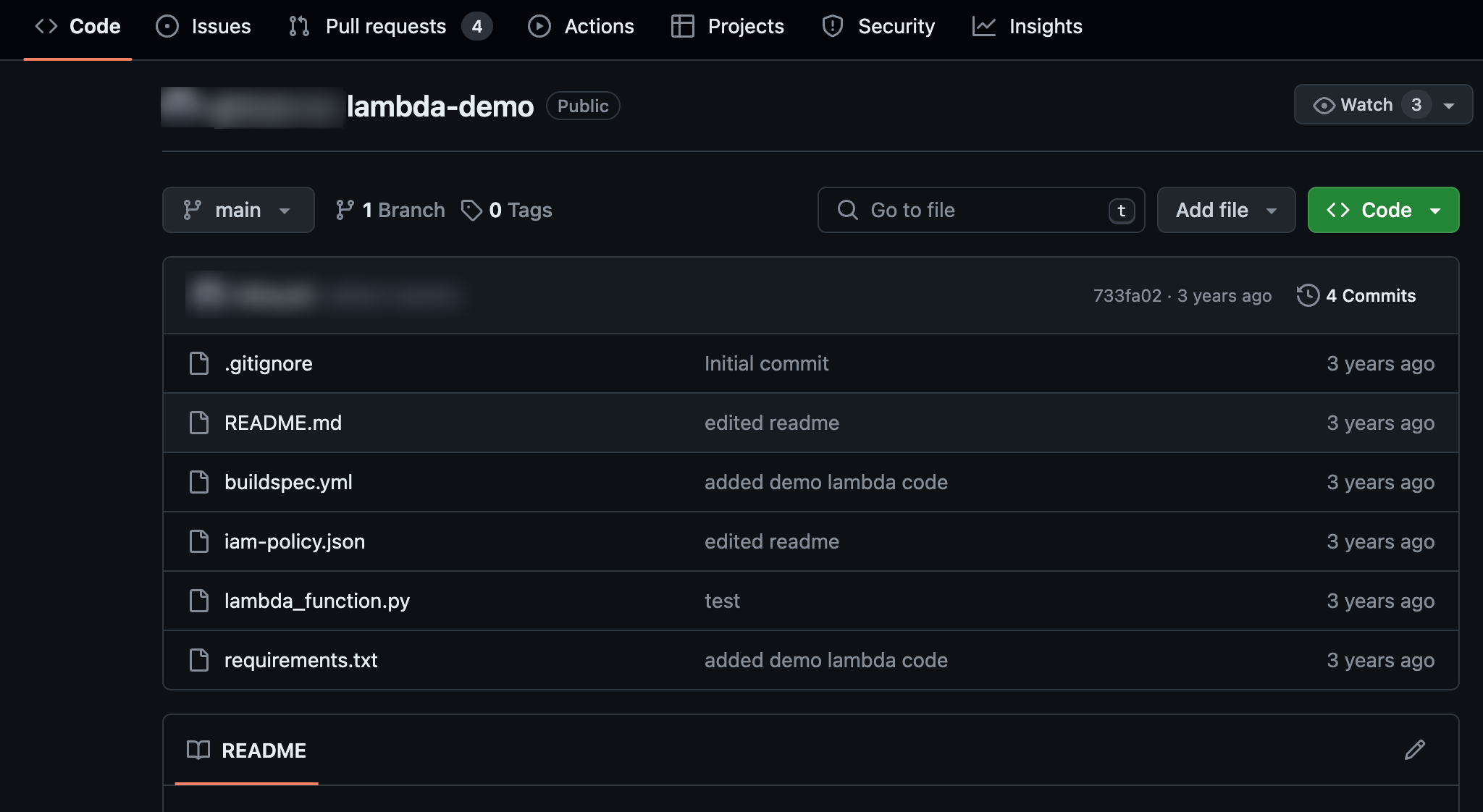
Consider an example where the AWS Lambda function is already available on a GitHub repository.
Steps to Migrate
-
Clone the Repository
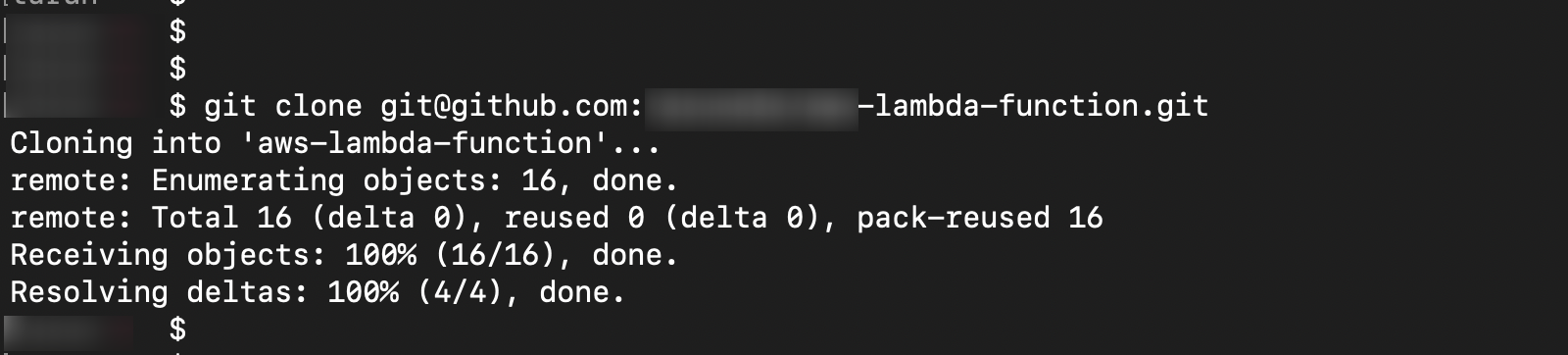
First, the user needs to clone the repository using the Git Clone command.
-
Accessing the Function Locally
After cloning, the Function and its supporting files can be accessed locally. Their listing would look like this.

-
Create the Workflows Directory
Inside the same directory, create the
.github/workflowsdirectory using the command:mkdir -p .github/workflows
mkdir -p .github/workflows
-
Create the
deploy.ymlFileCreate a file with the name
deploy.ymlunder theworkflowsfolder using the command:touch .github/workflows/deploy.yml -
Download the YAML File
Download this YAML file from here. Copy its content and paste it inside the
deploy.ymlfile.

-
Rename the Function File
Change your function file name from
lambda_function.pytocode.txt.

-
Change the Entry-Level Function Name
Change the entry-level function name from
def lambda_handlertodef handler.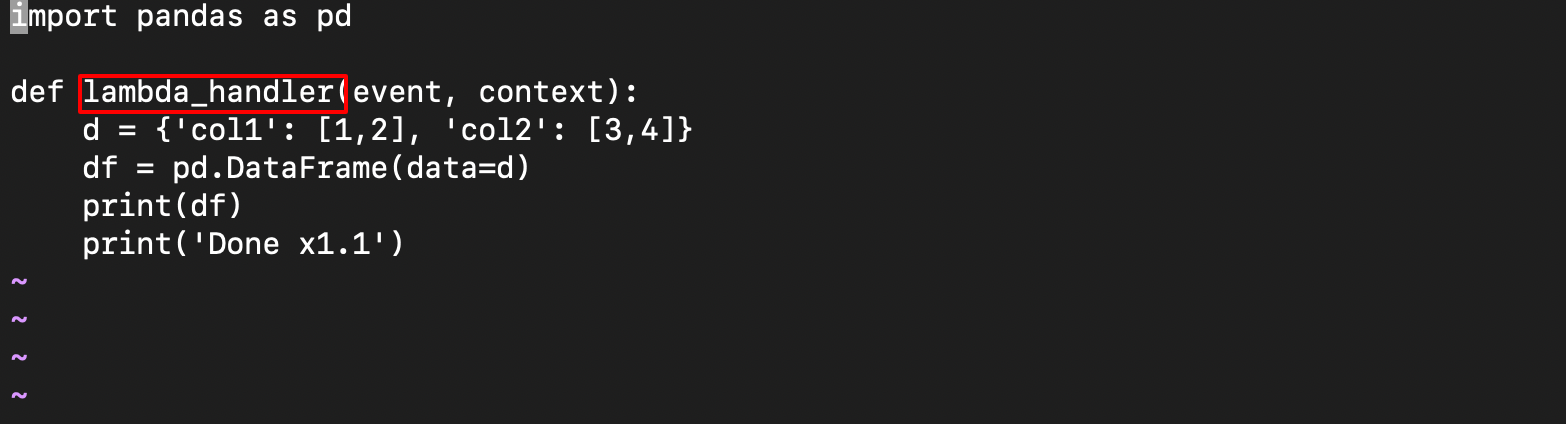

-
Modify the
deploy.ymlFileMake changes in the
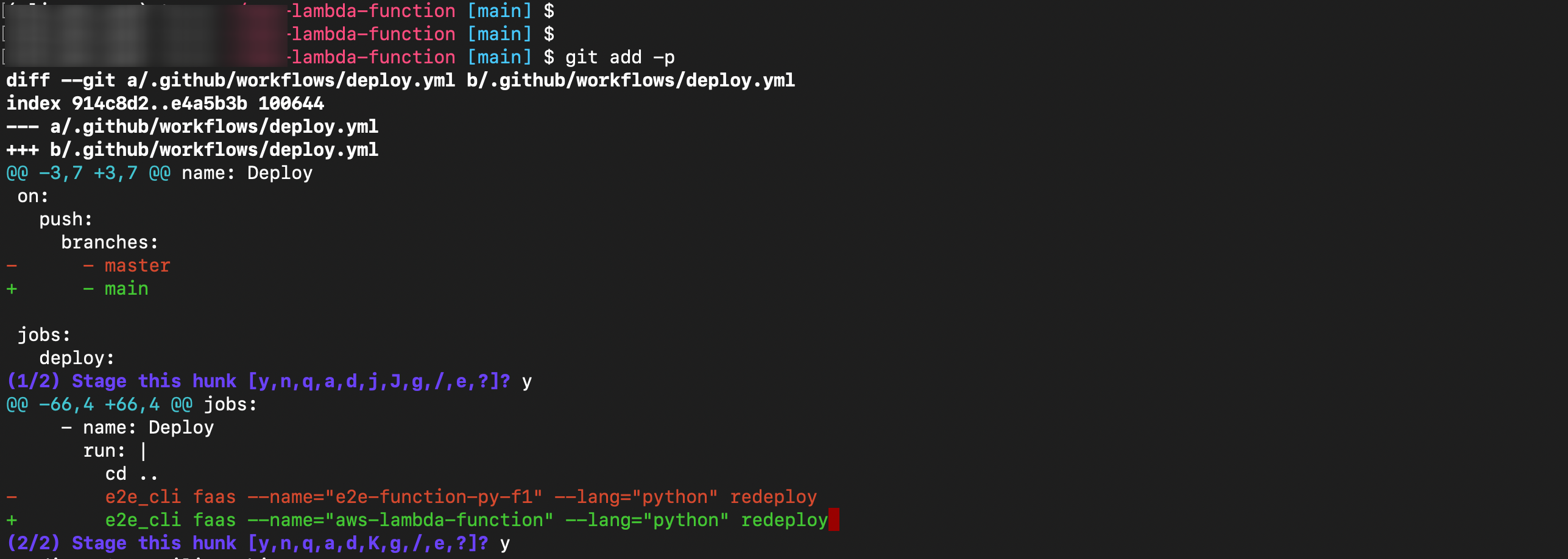
deploy.ymlfile:- Change the branch name to the one from which you want to trigger the automatic deployment.
- Change the function name and runtime. The function name should be the same as the repository name, and the runtime must correspond to the supported language choices.
-
Commit the Changes

-
Create the Function Using E2E CLI
Use the E2E CLI command line tool to create the function. If the E2E CLI tool is not installed, please refer to the documentation for installation instructions.

-
Generate API Key and Auth Token
On GitHub, go to the repository’s settings tab. Navigate to Security > Secrets and variables > Actions.
-
In case you need to generate a new API key and Auth Token, please refer to the Documentation.


-
Create Repository Secrets
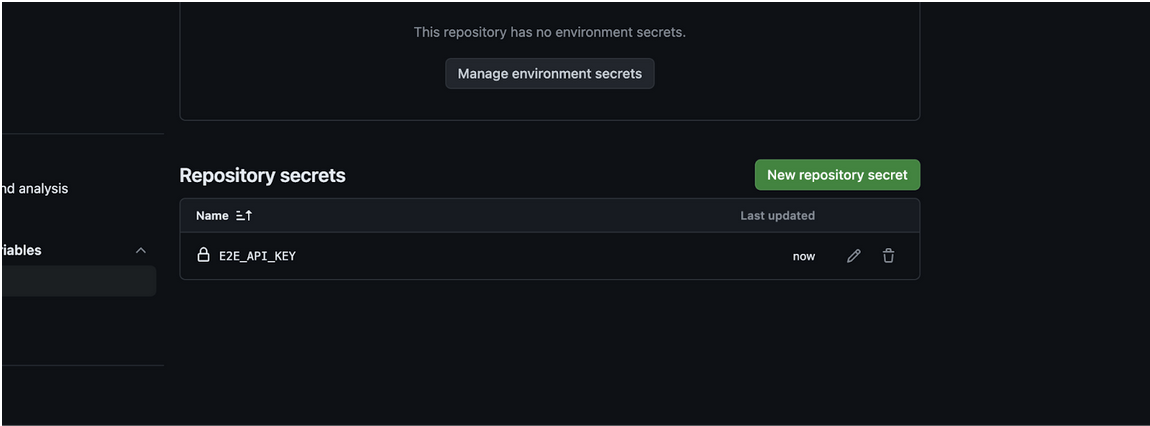
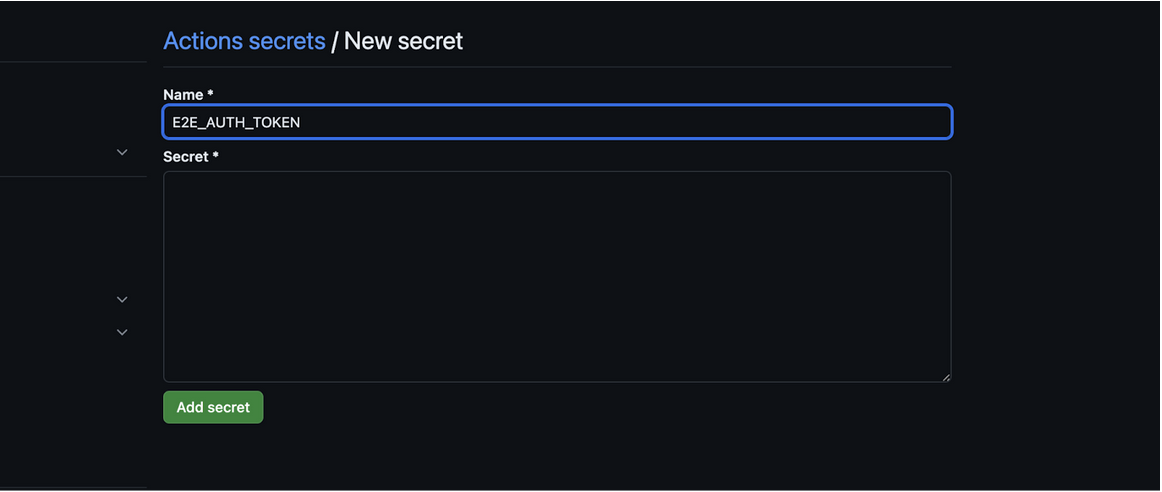
Navigate to the Repository Secrets section and create new secrets by clicking the New Repository Secret button. Create the following two secrets:
- E2E_API_KEY: Use the API key generated from MyAccount as the value for this secret.
- E2E_AUTH_TOKEN: Use the Auth Token generated from MyAccount as the value for this secret.
-
Push the Code
Now push the code using the
git pushcommand. -
Check Workflow Execution
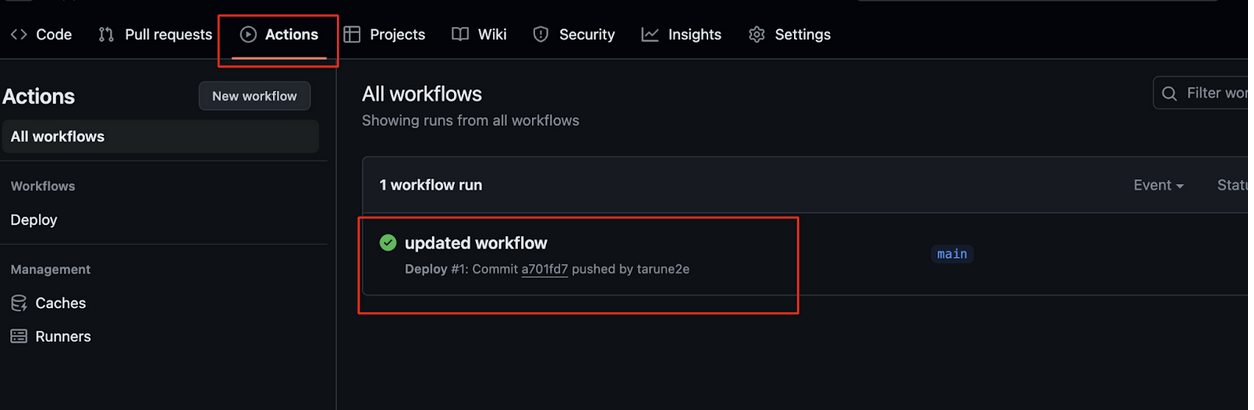
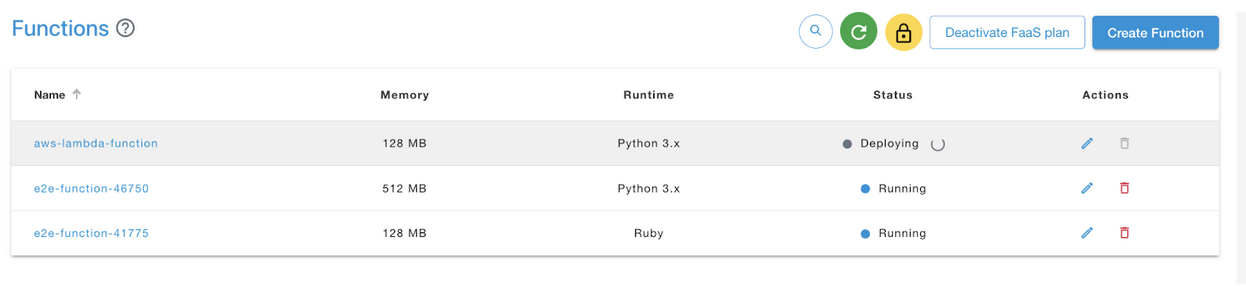
On GitHub, navigate to Actions > All workflows. You will see a workflow under execution. Once it is executed successfully, the Function will be redeployed. You can verify this on the MyAccount cloud console.