Disk Expansion
Expand Disk Size
To increase the disk size of your DBaaS instance, follow these steps:
-
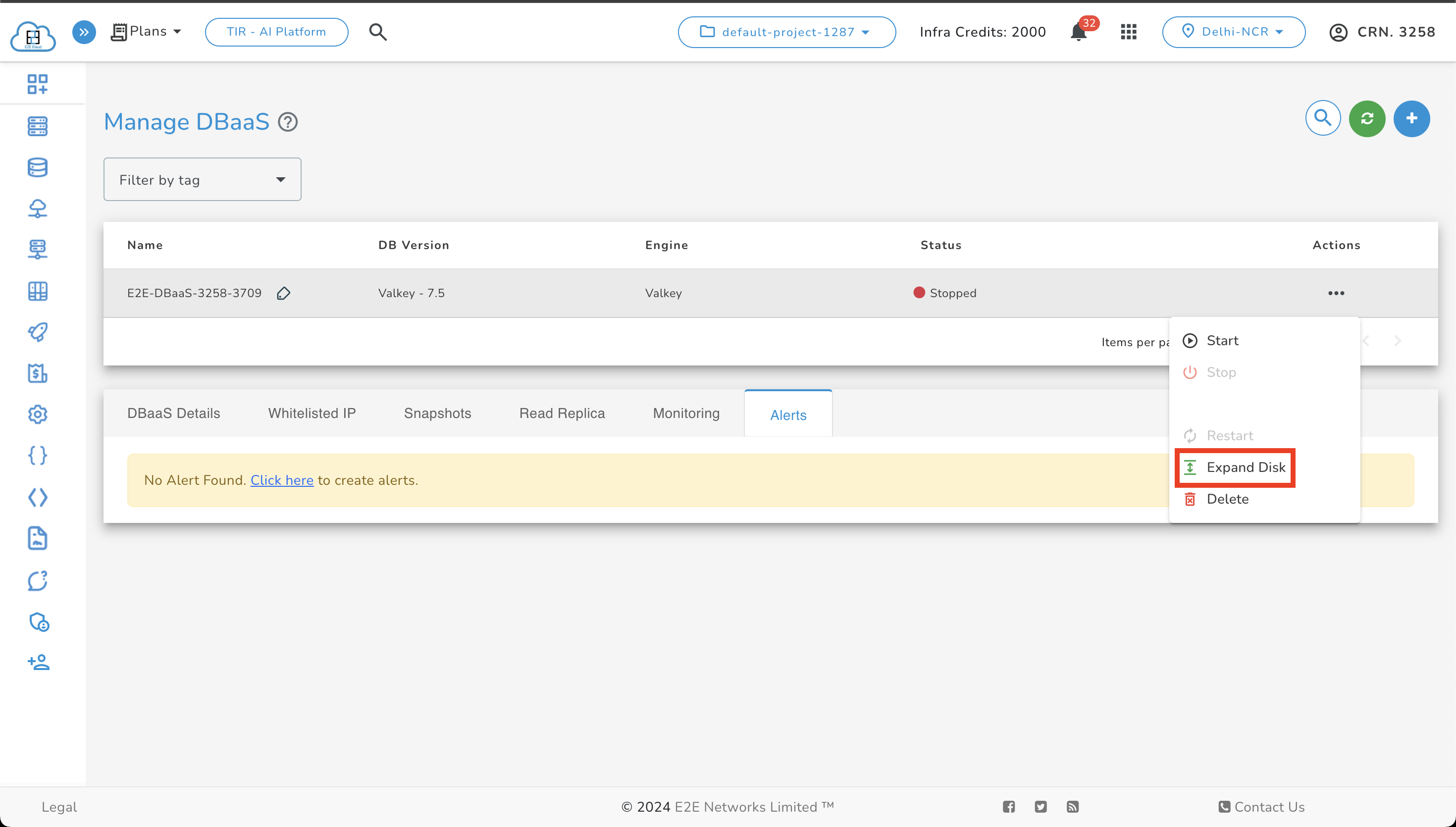
To begin with expanding the disk size, the DBaaS needs to be in stopped state. (Applicable to all DBaaS)
-
Click on the Expand Disk button.
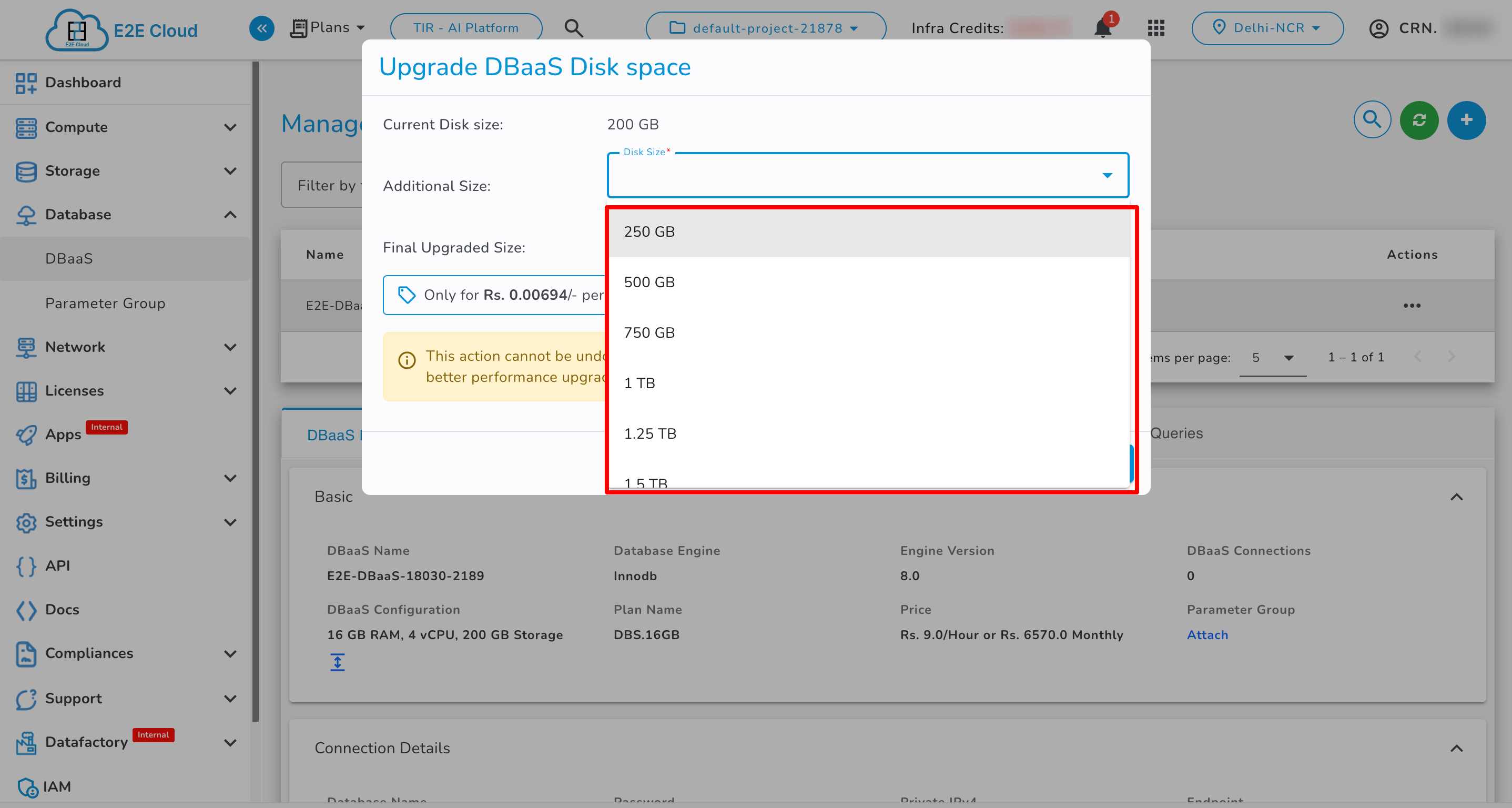
- Select the desired disk space from the dropdown menu.
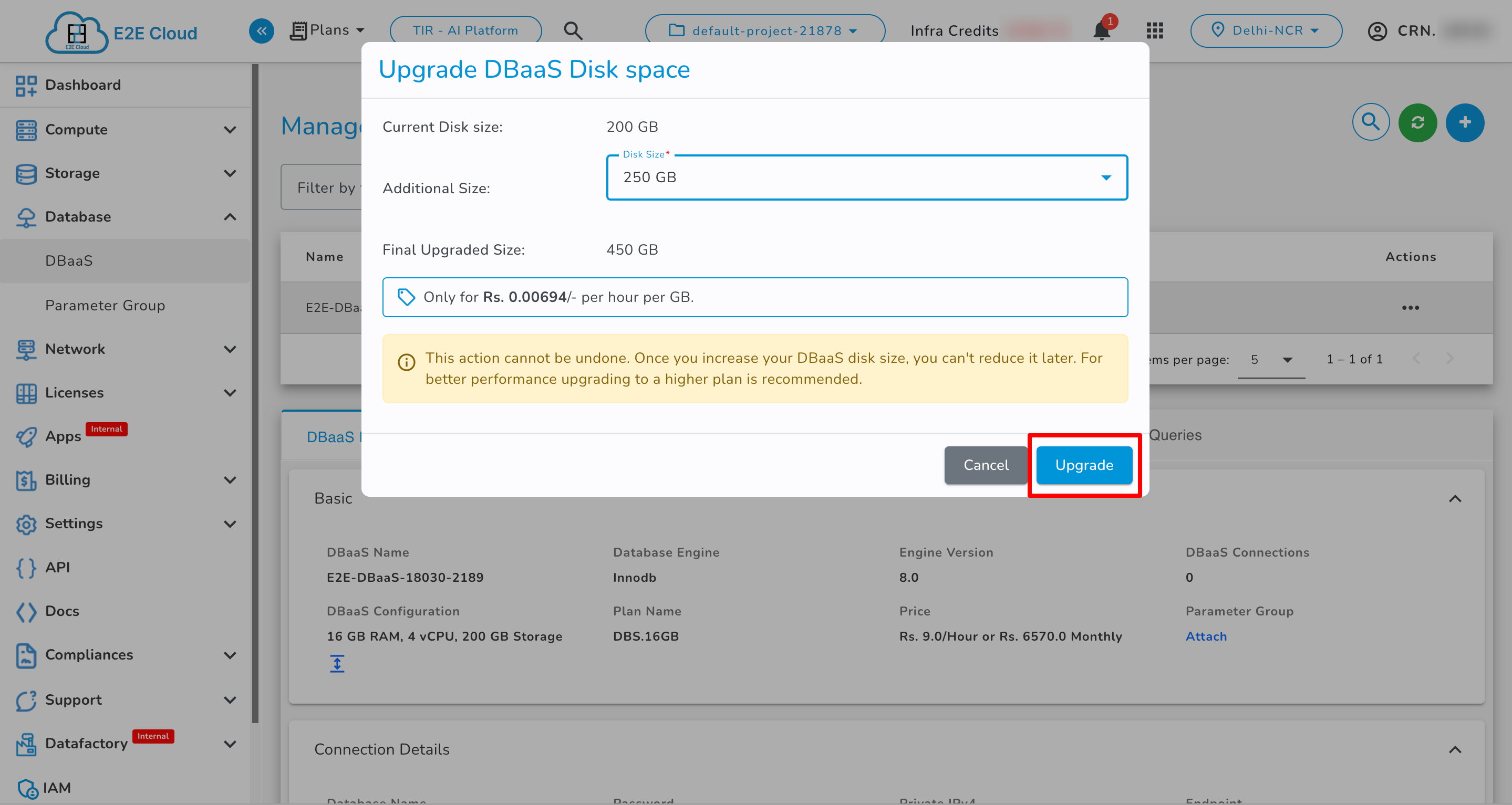
- Click the Upgrade button to apply the changes.
- After the upgrade is complete, verify the updated disk size in the DBaaS details section.
Last updated on May 15, 2026.